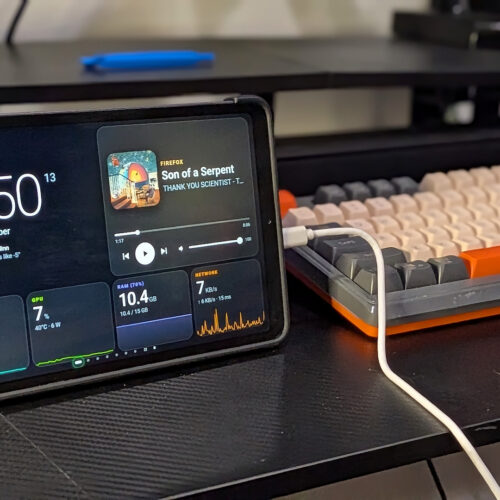
One terminal command gave my forgotten Android device a desk job
Summary
PhoneBox turns an older Android device into a dashboard for a connected PC. A Linux installation script installs the desktop software and can sideload the Android app, which displays PC diagnostics and optional widgets.Key Facts
- PhoneBox 0.9.29 was installed on a Linux PC and an Android tablet using a USB connection and a terminal command.
- USB setup requires Android developer options and ADB access over USB.
- The installation script verifies the downloaded software’s checksum and offers to create a systemd user service.
- The script can install the PhoneBox APK on the connected Android device and prints an uninstall script.
- PhoneBox works on Android 5.0 or later and requires sideloading because it is not on the Google Play Store.
- The app displays live PC performance and diagnostic information.
- Optional widgets include RSS feeds, timers, and world clocks.
Read the Full Article
This is a fact-based summary from The Actual News. Click below to read the complete story directly from the original source.